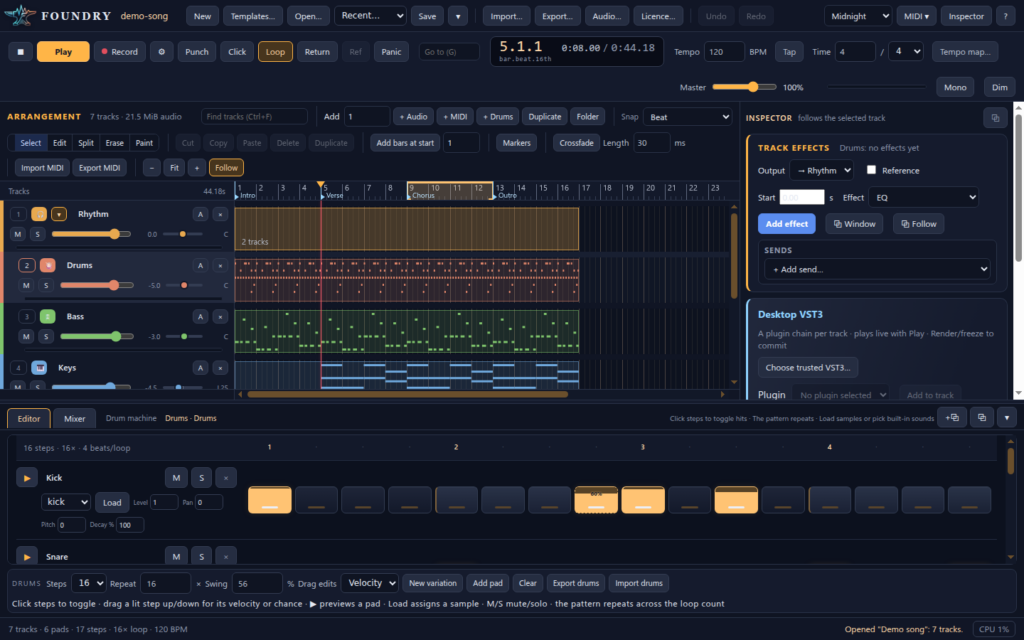
Digital audio workstation
Make the whole song in Foundry.
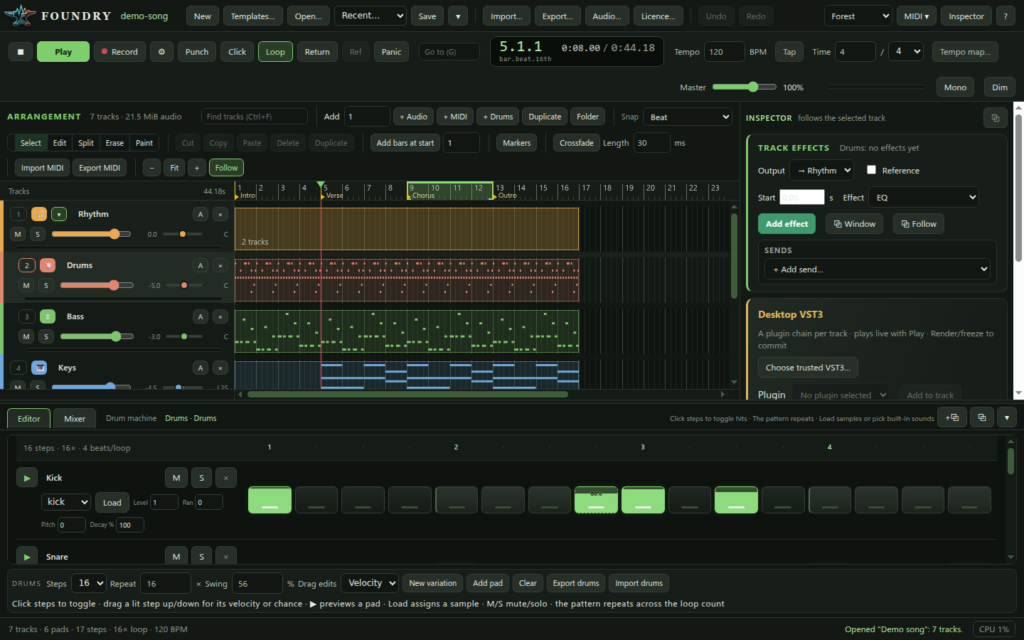
Record, arrange, mix and master audio, MIDI and drums in one fast, focused studio. It has 33 built-in effects with 330 presets, and it hosts your VST3 plugins in crash-proof sandboxes, so one bad plugin never takes your session down with it.
For Windows and Linux (64-bit) · One licence covers all your own computers

33built-in effects, from EQ and compression to pitch correction
330presets, ten for every effect
1 pluginper sandbox: a crash silences one slot, not your song
7ways to install, on Windows and Linux
Everything in one place
A complete studio, not a starter kit
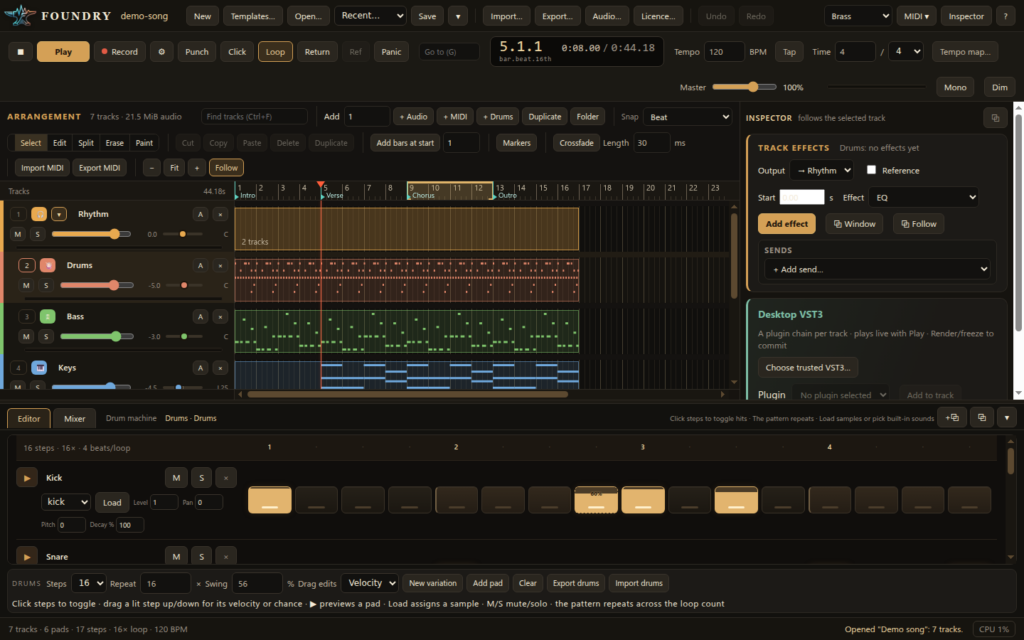
Foundry covers the whole job, from the first take to the final master, with the tools working musicians and producers reach for every day.
●Recording and audio editing
- Takes and comping: every pass is kept, and you pick the best parts
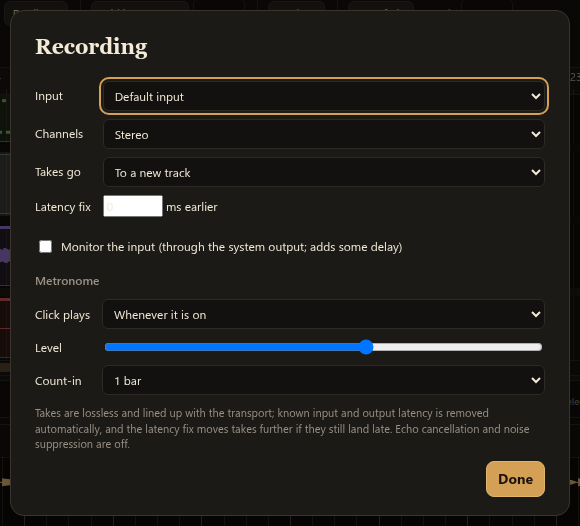
- Loop recording, punch in/out, count-in and metronome
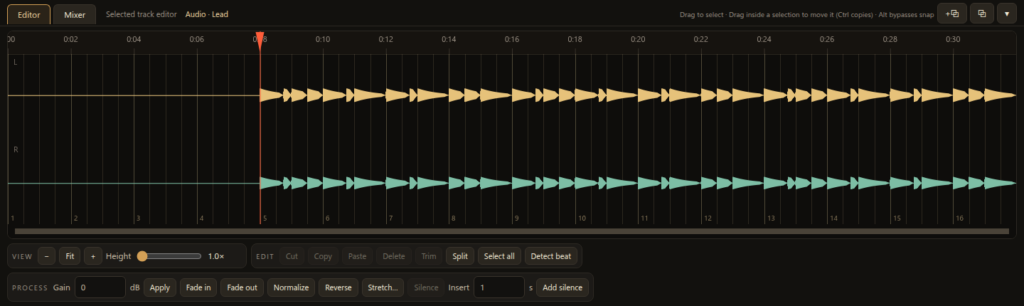
- Non-destructive clips with gain, fades and crossfades
- Time-stretch and pitch-shift, with or without keeping the pitch
- Beat detection that sets the tempo and lines your audio up with the grid
♫MIDI and piano roll
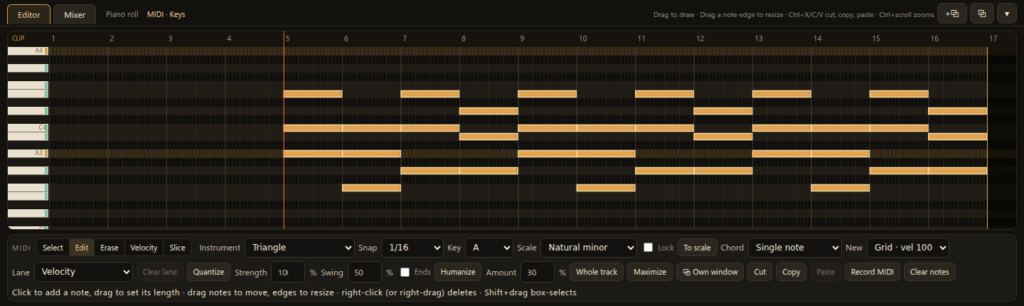
- Scale lock, one-click chords, quantize with swing and humanize
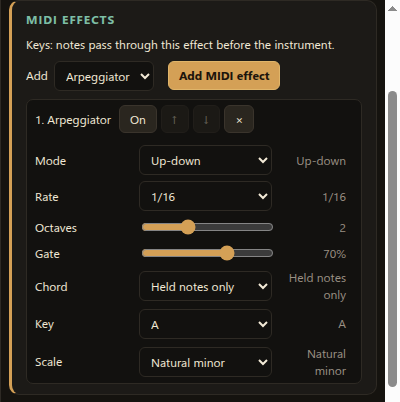
- MIDI effects: arpeggiator, chord, note repeat, velocity
- Pitch bend and CC controller lanes
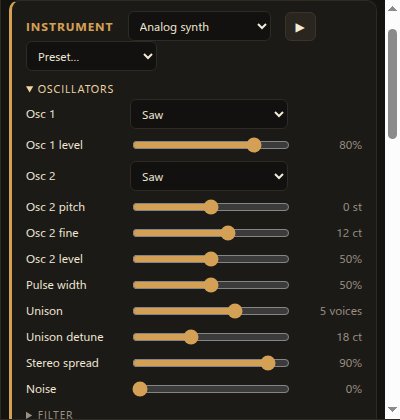
- Built-in synths and a sampler, plus any VST3 instrument
- MIDI clock in and out, so hardware plays along
◉Drum machine
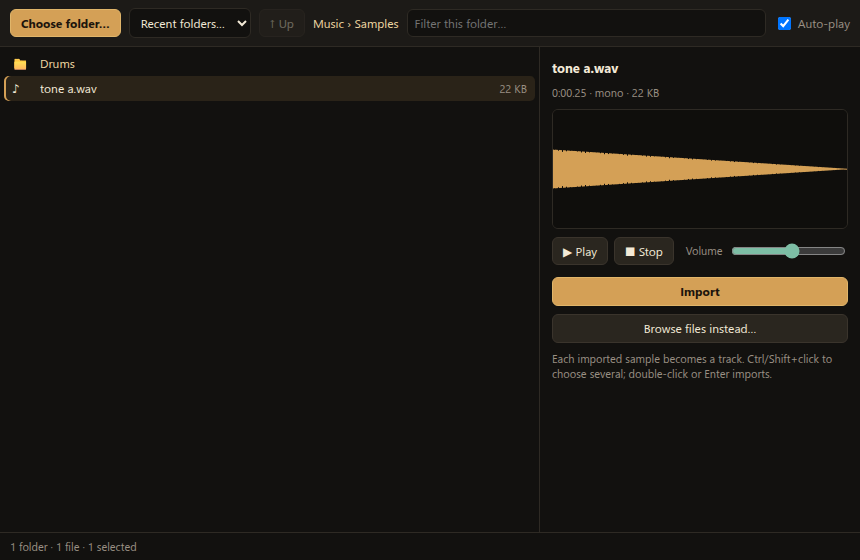
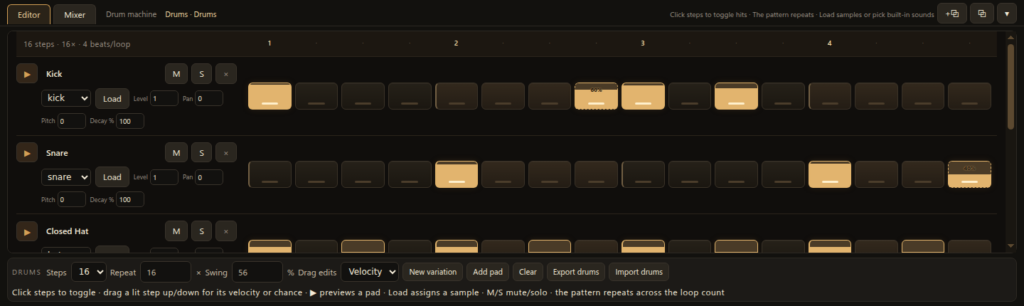
- A step sequencer with built-in drum voices or your own samples
- Velocity and chance per step, plus swing
- Pitch and decay for each pad
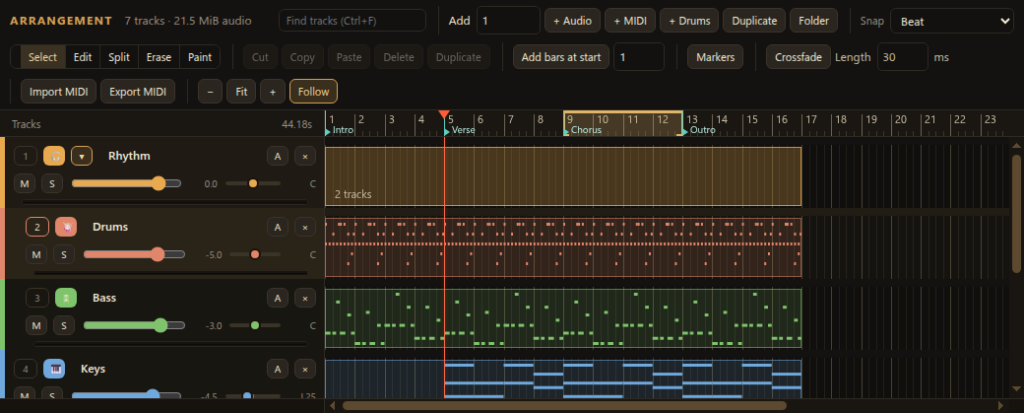
- Patterns up to 1,024 bars long, edited right in the arrangement
- General MIDI drum import and export
☰Mixing
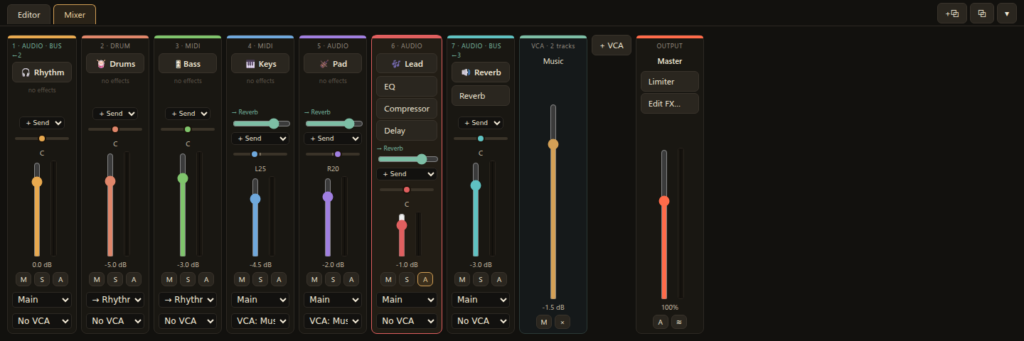
- Buses, folders, sends and return tracks
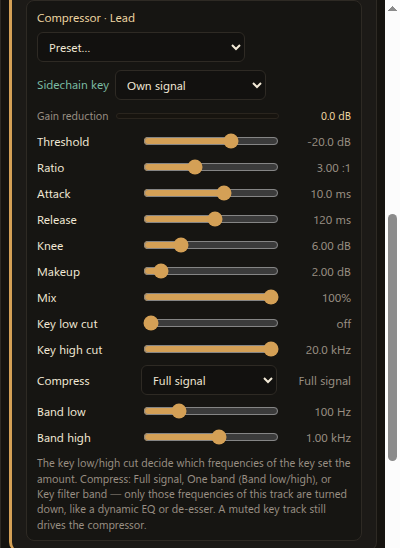
- VCA groups and sidechain compression (including ghost kicks)
- A master effects chain, level meters and gain-reduction meters
- A real-time spectrum analyser
- Reference tracks: flip to a finished song and back with one key
∽Automation
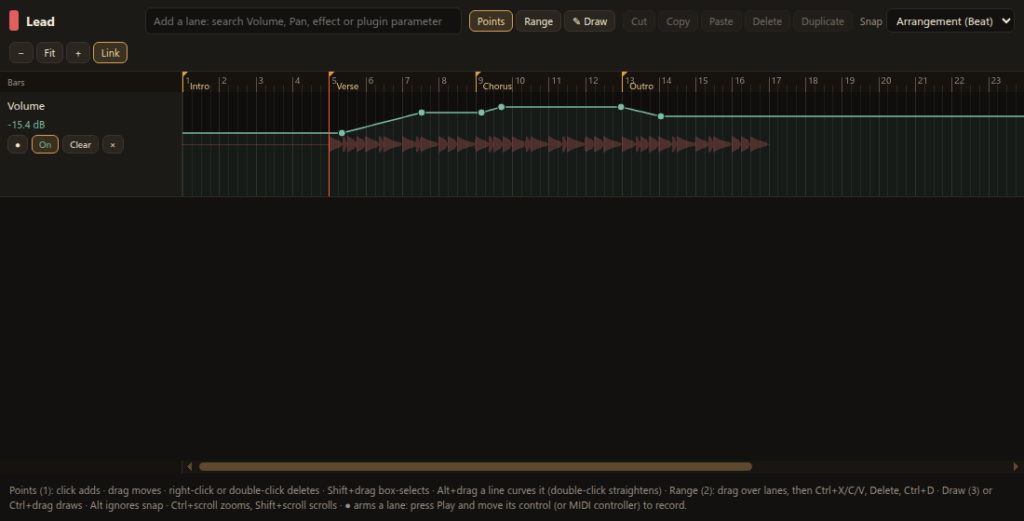
- Automate everything: volume, pan, every effect setting and every plugin parameter
- Curved fades and swells, freehand drawing
- Record moves live from the mouse or your MIDI controller
- Cut, copy and paste automation between tracks
- On-screen controls follow the automation while you listen
⇪Export and delivery
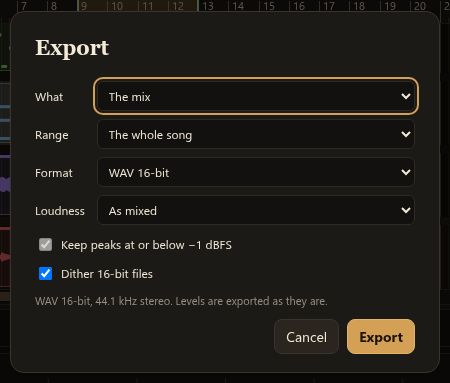
- WAV (16-bit with dither, 24-bit, 32-bit float), FLAC and MP3
- Export the mix, stems, or both at once
- Loudness targets: −14, −16 or −23 LUFS, with a −1 dBFS peak ceiling
- Standard MIDI file export
Crash-proof plugins
Your session keeps playing
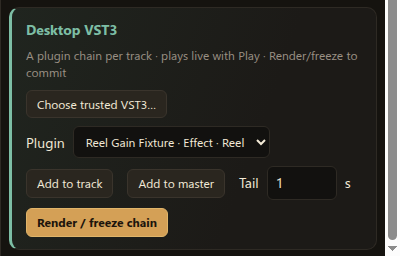
Every VST3 plugin runs in its own protected process. If one crashes or freezes, Foundry switches off just that slot, tells you which one it was, and every other track carries on.
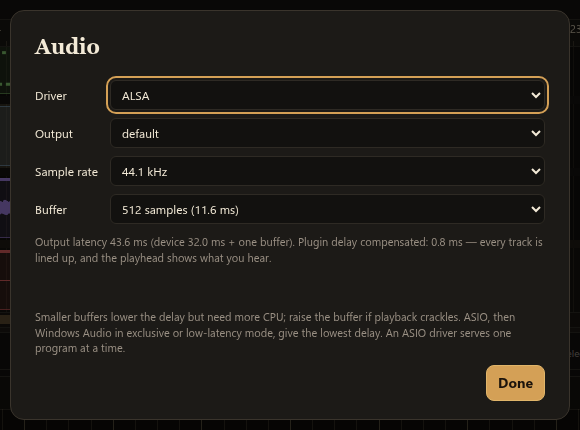
- Real-time engine with ASIO on Windows for low latency
- Automatic plugin delay compensation keeps everything in time
- Find any parameter fast: search, star and filter, even on plugins with thousands of them
- Save and recall your own plugin presets
Built-in effects
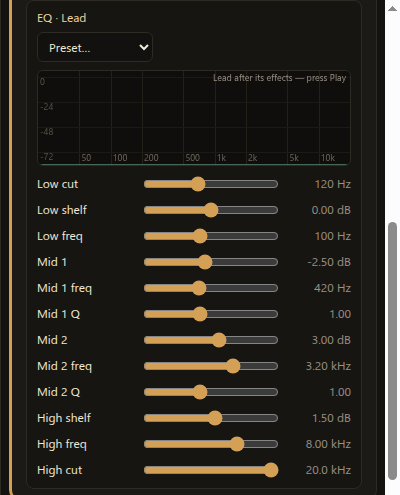
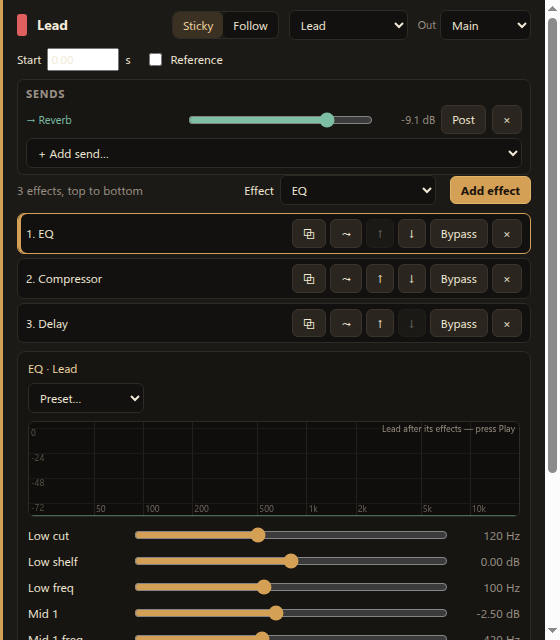
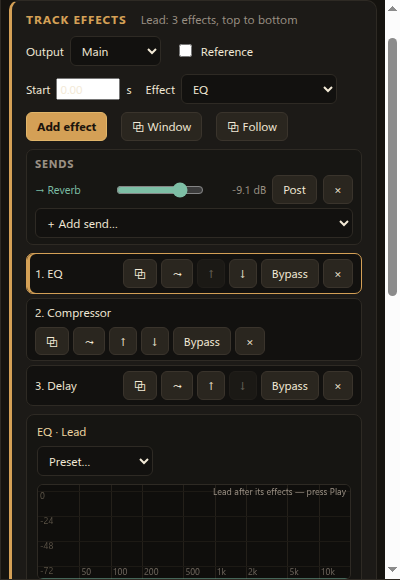
33 effects, 330 presets, no extra purchases
Every effect comes with ten presets to get you started: vocal chains, drum glue, kick-ducks-bass, rooms and halls, slapback and dotted delays, and more.
Fast to work in
Built for the way you work
⚙Hands-on control
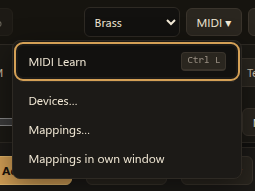
- MIDI Learn on nearly every control
- Endless encoders detected automatically
- Feedback to LED rings and motorised faders
⧉Multi-monitor friendly
- Pop out the editor, the mixer and effect windows
- One window per track, on any screen
- Window sizes and positions are remembered
✓Safe with your work
- Autosave and crash recovery
- Generous undo on every edit
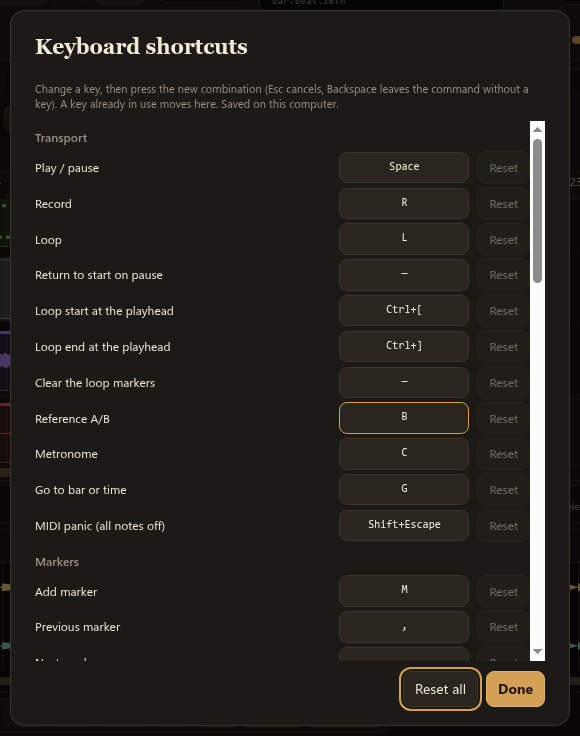
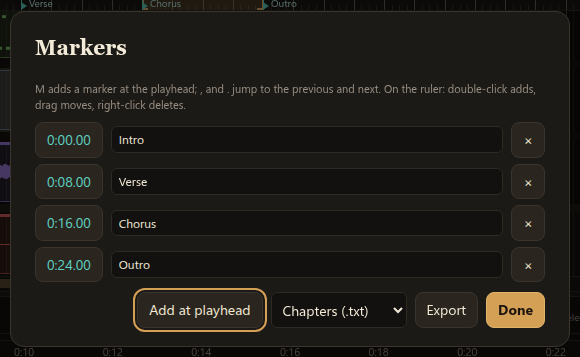
- Templates, markers, a tempo map and custom shortcuts
Platforms
Windows and Linux, your way
Choose the package that suits your system; your licence covers every one.
| System | Package |
|---|---|
| Windows (64-bit) | Installer, or a portable version that runs from a folder or USB stick and leaves nothing behind |
| Ubuntu, Debian | .deb package |
| Fedora, RHEL, openSUSE | .rpm package |
| Any Linux (64-bit) | Flatpak, Snap or AppImage |
Audio: ASIO, WASAPI and DirectSound on Windows; ALSA, JACK, PulseAudio and PipeWire on Linux. Plugins: VST3 effects and instruments.
Get Foundry
One price. Every feature.
No tiers, no subscriptions, no paid add-on effects.
$49.99 one-time
- The full studio: every effect, preset and feature
- Windows and Linux packages
- Use it on all your own computers
- The music you make is yours: royalty-free use of the built-in sounds and presets in your releases
Questions
Frequently asked
Do I own the music I make?
Yes. Your projects, recordings, mixes and exports are yours. You can use the built-in presets, sounds and drum voices in commercially released music with no extra fee or royalty.
What happens if a plugin crashes?
Each plugin runs in its own protected process. If it crashes or stops responding, Foundry silences only that plugin’s slot and tells you which one it was; every other track keeps playing. You can still save your project.
Can I use my plugins?
Yes. Foundry hosts VST3 effects and instruments, alongside its 33 built-in effects, built-in synths, a sampler and a drum machine.
Which operating systems does it run on?
Windows, and Linux: Ubuntu and Debian (.deb), Fedora, RHEL and openSUSE (.rpm), and any distribution through Flatpak, Snap or AppImage.
Can I install it on more than one computer?
Yes. Install Foundry on all the computers you own or use, for your own music.
Can I use my MIDI controller?
Yes. MIDI Learn assigns knobs, faders, pads and encoders to nearly any control, and Foundry sends values back to LED rings and motorised faders. MIDI clock keeps hardware in sync.